
 More
MoreEssential Tips Every New Electric Scooter Owner Should Know
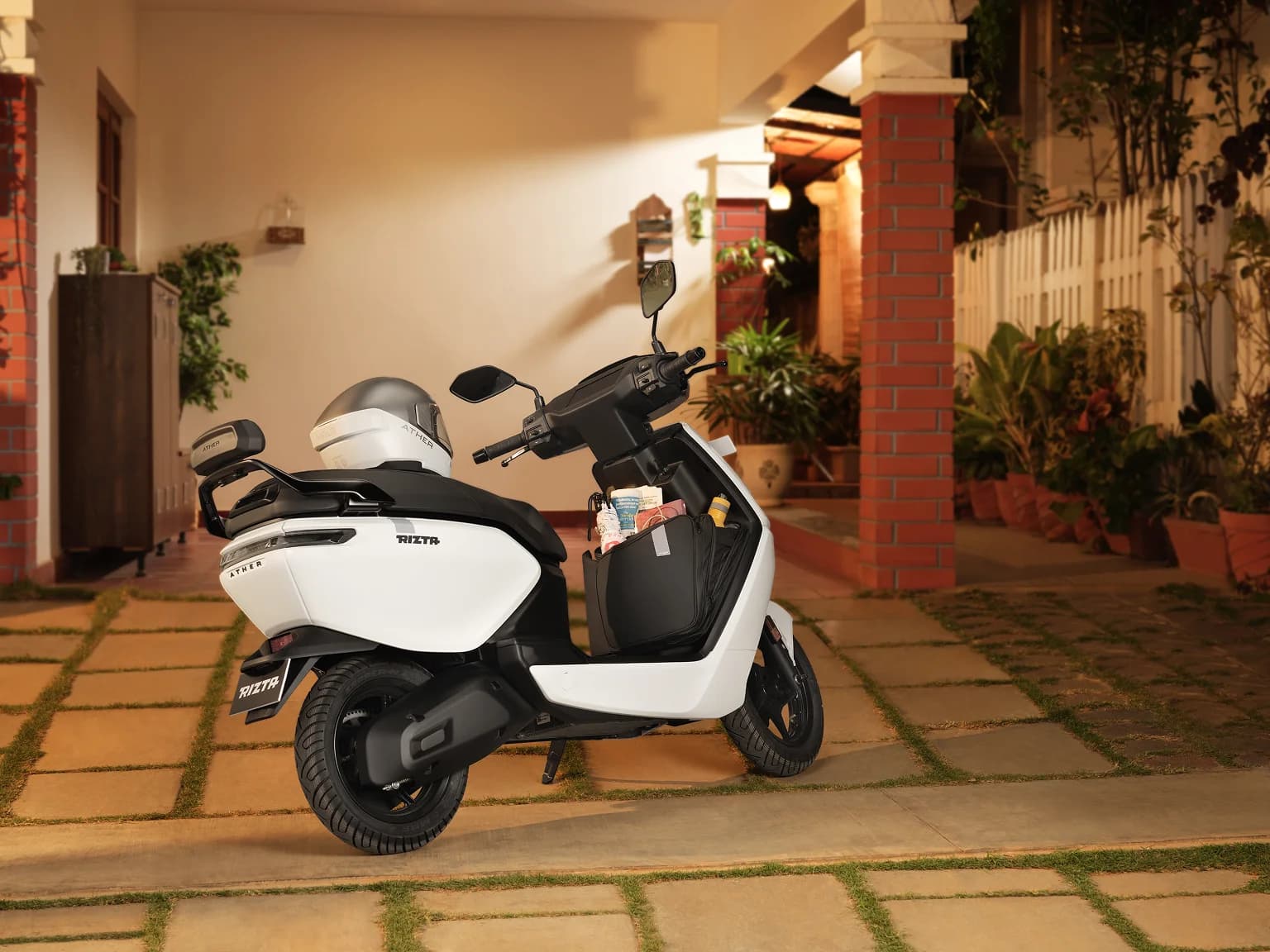
Stepping off a traditional ICE scooter and onto a smart Ather electric scooter isn't just a change in fuel, it's a massive leap into a world of industry first features, connected tech, and zero emissions. You've brought home an incredibly intelligent, high-performance Ather electric scooter that is engineered to make every ride effortless and thrilling.
With new technology comes a slight learning curve. We obsess over engineering so you can simply enjoy the magic. From over-the-air (OTA) stack updates that make your scooter smarter, to the Ather Grid infrastructure that ensures fast charging is always around the corner for your convenience, we have designed this entire ecosystem to make owning an Ather electric scooter easy. To help you eliminate range anxiety, ensure your safety, and get peak performance from your daily commute. Let's dive into the electric scooter riding tips every new owner needs to master.
Key Settings & Features Every New E-Scooter Owner Must Understand
Basics : Checks after turning on > checking the mode (eco/warp) > check for charging % & Range
When you turn the key, give the dashboard a few seconds to boot up completely. This allows the system to run its diagnostic checks.
Checking the mode: Riding an Ather is all about matching your power output to your environment. You can Toggle between these modes as per your riding style and convenience
- SmartEco™: Your best friend for maximizing range and navigating heavy, stop-and-go city traffic smoothly.
- Ride / Sport: The sweet spot. Perfect for your daily commute when you need a balance of peppy overtakes and solid range.
- Warp™ / Warp+™: The reason you bought an EV. Use this on open stretches for thrilling, push-you-back-in-your-seat acceleration.
Check for charging % & Range: Always check your battery percentage before taking off. More importantly, keep an eye on your TrueRange™ indicator. Unlike traditional fuel gauges that guess, our system dynamically recalculates your remaining distance based on your riding style and the mode you are currently in.
How to pair bluetooth with phone & improve usage of your ev: Connecting your phone via the Ather App (iOS and Android) unlocks the full experience. Simply turn on Bluetooth and Location on your smartphone, navigate to Settings > Connectivity > Bluetooth on your Ather dashboard, and open the Ather App to scan the QR code on the screen. Once paired, you can push Google Maps navigation directly to your dashboard, control your music, handle incoming calls, and even view WhatsApp notifications safely. Features like "Ping My Scooter" on Ather electric scooters are lifesavers in crowded parking lots.
Maintenance & Care Checklist for New Electric Scooter Owners
One of the best parts about owning an Ather is saying goodbye to oil changes and spark plugs. However, "low maintenance" does not mean "zero maintenance." Proper maintenance of electric scooter components is simple but crucial.
- Tyre Pressure: Keep your tyres inflated to the recommended specs—typically 30 PSI for the front and 32 PSI for the rear. This ensures optimal road grip and guarantees you get the TrueRange™ displayed on your dash.
- Battery Health: Modern lithium-ion batteries are robust, but you can extend their lifespan by avoiding deep discharges. Try not to leave the scooter sitting at 0% charge for extended periods. Turn on the "Optimise charging" feature on your dashboard and let your scooter decide the best approach to maximize battery life. When on the move, utilize the Ather Grid fast-charging network for a quick top-up.
- Over-The-Air (OTA) Updates: Just like your phone, your Ather gets smarter over time. Regularly install AtherStack OTA updates when prompted on your dash to unlock new features, optimize battery performance, and keep the system bug-free.
Master the Details: Read our full Maintenance Guide for Your Electric Scooter and browse the latest insights under our Maintenance Tag.
Safety Tips for First Time Electric Scooter Riders
If you've been riding petrol scooters for years, there's a slight learning curve for you. Following proper electric scooter rules and regulations is non-negotiable for mastering the road.
- Instant Torque: Electric motors don't need to ‘rev up’. They deliver 100% of their power instantly. If you are new to electric scooters, you can switch to SmartEco or Ride mode for the first few days until you are fully accustomed to the throttle response.
- Brakes: In EVs, braking is generated by mechanical brakes as well as regeneration. Practice using Magic Twist™—our regenerative braking feature that slows the scooter down (and feeds power back to the battery) simply by twisting the throttle in the reverse direction.
- EVs are silent: Because your electric scooter makes almost no noise, pedestrians, cyclists, and other drivers might not hear you coming in their blind spots. Be proactive and use your horn politely to announce your presence.follow all basic electric scooter rules.
Ride Smart: Dive deeper into road safety with our guide: 5 Easy Tips for Staying Safe on Your E-Scooter Adventures. Keep these electric scooter safety tips in mind every time you ride.
Troubleshooting & Emergency Controls
Even the smartest tech occasionally needs a reset. Here is how to handle the unexpected directly from the rider's seat.
1. Troubleshooting Common Dashboard Issues
- Hard Reboot: If your smart dashboard ever freezes, lags, or fails to sync with your app, don't panic. You just need to reboot it. Hold down both brake levers and the start switch simultaneously for about 5 to 10 seconds. The screen will go black, the Ather logo will appear, and the system will start fresh.
- Safety Lockouts: For your safety, if the scooter is turned off mid-ride, the motor will not re-engage until the scooter has come to a complete halt (0 km/h).
2. The Importance of the Kill Switch
- What it does: The red switch on your right handlebar (available on Ather 450 variants) isn't just for turning the scooter off; it instantly cuts power to the motor controller.
- When to use it: You must make it a habit to hit the kill switch every single time you stop at a traffic light or pull over. Because the motor is entirely silent when stationary, it is incredibly easy for you to accidentally bump the throttle. The kill switch ensures the scooter won't unexpectedly lurch forward.
Process Video (YT Link) Want to see exactly how the reboot is done? Watch the How to Start, Reboot, Troubleshoot & Shut Down Your Ather Rizta Z
How to start your Ather (YT Link) To safely get moving, ensure the side stand is up, hit the kill switch to the ON position, hold either brake lever, and press the start button. Wait for the "Motor ON" prompt. See it in action here: How to start your Ather scooter
Conclusion
Owning an Ather means you refuse to settle for the ordinary. You now own an Ather Electric scooter that leads the industry in engineering, software, and design. By mastering your dashboard, adopting smart charging habits, and prioritizing safety, you protect your battery and guarantee a magical ride every single time. You have the ultimate electric scooter when you have an Ather.

 Nagendra Subbanna5 min read
 Garvit Minocha5 min read
 Suraj V4 min read
Wish to know more about Ather?
The best things about an Ather can’t be put in words, or captured in images. We’ll take up all your questions, just drop us your number. We’ll call you.
